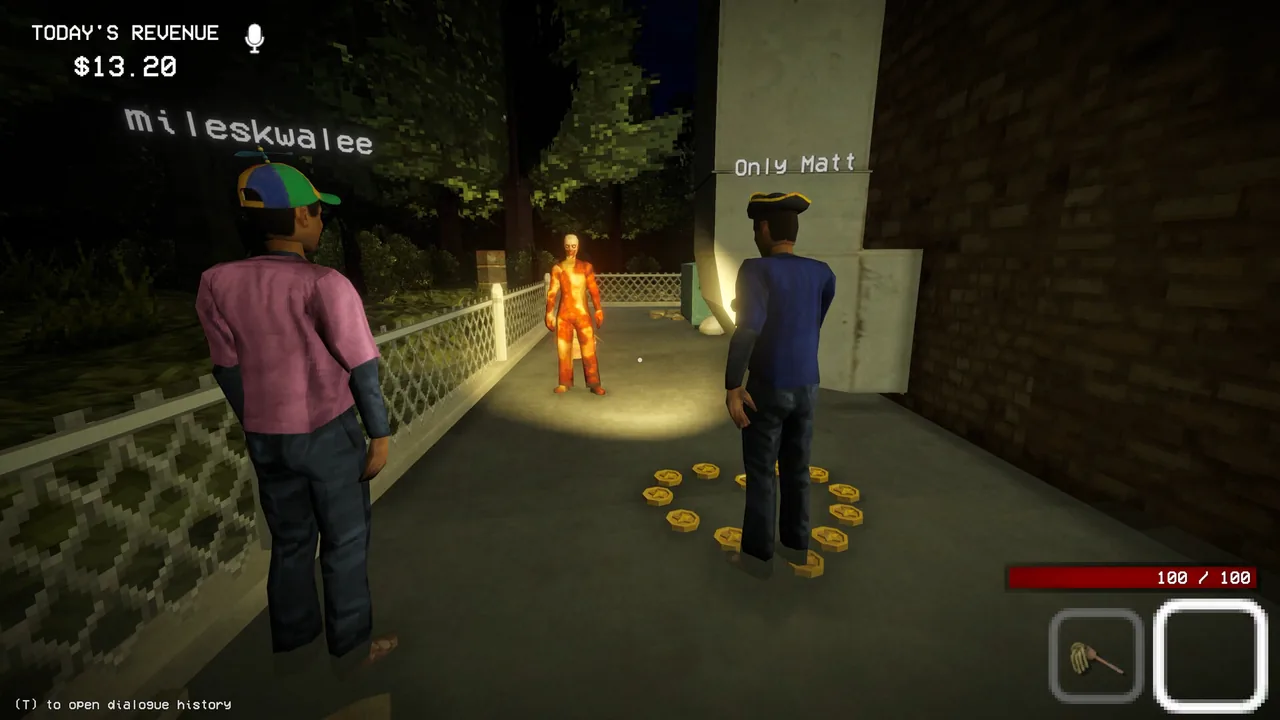
Is Shift at Midnight on Game Pass?
Xbox Wire lists Shift at Midnight as a July 22 day-one Game Pass release for Cloud, Xbox Series X|S, and PC, included with Game Pass Ultimate and PC Game Pass. Because catalogs and regional availability can change after launch, confirm that the game appears as included in your own Xbox app or regional store before relying on access.
The same listing identifies Xbox Play Anywhere. That means an eligible Xbox-store entitlement can be used across supported Xbox and Windows devices with the same Microsoft account. It does not convert a Steam purchase into an Xbox entitlement.
Xbox capability record
| Capability | Current Xbox listing |
|---|---|
| Play modes | Single-player; online co-op for 2–3 players |
| Local capability | Not listed on the current Xbox capability record; do not assume split-screen or couch co-op |
| Game Pass release devices | Cloud, Xbox Series X|S, PC |
| Current Xbox product devices | Xbox Series X|S, PC, Xbox Cloud Gaming, Handheld |
| Cross-device entitlement | Xbox Play Anywhere |
| Xbox network play | Xbox cross-platform co-op |
| Progress services | Xbox cloud saves |
| Platform features | Xbox achievements; Series X|S optimization; 4K Ultra HD |
| Languages | 9 supported languages |
| Accessibility | Multiple volume controls; adjustable input sensitivity; stick inversion; camera comfort |
This table describes the product listing, not a promise that every device runs with identical graphics, controls, or performance. The page specifically says cloud play is included with Game Pass Ultimate; purchase-based streaming terms can differ by subscription tier and region.
What console online play requires
Xbox states that online multiplayer on console requires an eligible Game Pass Core or Ultimate subscription, sold separately. That requirement applies to console network play; it should not be confused with whether the game itself is included in a Game Pass catalog.
Solo support is listed, so a player can run shifts alone. For co-op, the Xbox page specifies two to three online players.
Does Xbox have split-screen or local co-op?
The current Xbox capability list includes single-player and online co-op for two to three people, but it does not include local multiplayer or split-screen. Steam also lists online co-op without a local-play capability.
The safe purchase assumption is therefore one compatible device and storefront entitlement per co-op participant. If a released build exposes a local-player flow that is absent from the store record, treat that as device-specific until Xbox or the developer documents its scope.
Launch crossplay boundaries
The developer FAQ gives a precise launch boundary:
| Group | Can connect at launch? |
|---|---|
| Xbox console ↔ Xbox console | Yes, within the Xbox ecosystem |
| Xbox console ↔ PC Game Pass / Xbox PC | Yes |
| PC Game Pass / Xbox PC ↔ PC Game Pass / Xbox PC | Yes |
| Steam ↔ Steam | Yes, through Steam online co-op |
| Steam ↔ Xbox console or PC Game Pass | No at launch |
Full crossplay and a server browser are planned for a later update. Until that update is explicitly live, treat the Steam and Xbox matchmaking pools as separate.
Play Anywhere is not universal cross-buy
Xbox Play Anywhere connects supported Xbox and Windows versions bought through the Xbox ecosystem. It does not grant:
- a Steam license;
- access to Steam friends or Steam matchmaking;
- automatic ownership on every PC storefront;
- a guarantee that saves transfer to or from Steam.
If a group is buying specifically for co-op, choose the storefront only after confirming that every player will be in a compatible launch pool.
Before you install
- Open the regional Xbox listing and confirm Ultimate or PC Game Pass inclusion for your account.
- Verify that the intended device is shown as supported.
- For console co-op, confirm an active eligible multiplayer subscription.
- Install pending Xbox app, console, and game updates.
- Use the same Microsoft account for Play Anywhere and cloud-save continuity.
- Test proximity chat before beginning a busy shift.
For role planning and Steam compatibility, continue to Multiplayer & Crossplay. For the official CPU, GPU, storage, and language tables, use System Requirements, Storage & Languages.